How to Recover Pogo Account Password (EA Pogo Games)
If you are a fan of classic online puzzles and card games on Pogo.com, your account is deeply integrated with Electronic Arts (EA). Over the last few years, EA updated its structure, meaning you no longer use an old “Pogo Screen Name” to log in; instead, you use an EA Account.
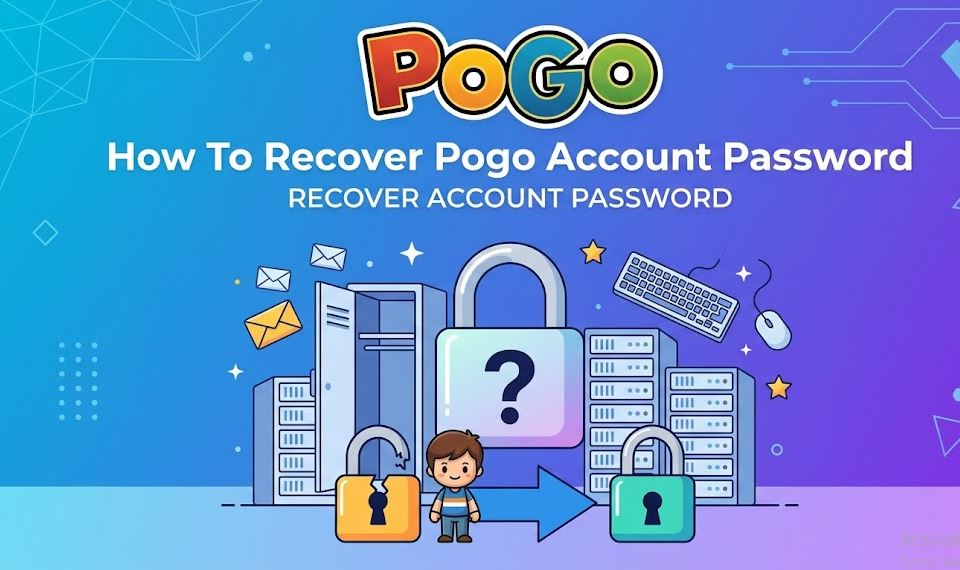
Step-by-Step EA Pogo Password Reset
If you know your linked email address but forgot your password, follow these official instructions:
- Navigate to the official Pogo Login page.
- Click on the Forgot Password? or Need help signing in? link.
- Enter the email address associated with your Pogo/EA account.
- Check your email inbox for a password reset link sent by EA. (If it doesn’t arrive within a few minutes, check your Spam or Junk folders).
- Click the link inside the email, create a strong new password, and log back into your account.
Locked Out Since 2018? (The Screen Name Shift)
If you haven’t logged into Pogo since 2018, your old Screen Name won’t work on its own.
- The Fix: Go to the Pogo login screen and enter the email address you originally used for your old Pogo account. The system will guide you through connecting your legacy credentials into a modern, unified EA Account.
2. How to Recover Pokémon GO (PoGo) Account Password
For trainers playing Pokémon GO, the app does not store your password directly. Instead, your credentials belong to the identity provider you chose when you first signed up.
To initiate a recovery, open the Pokémon GO app, select Returning Player, and choose the specific method below that applies to you.
Method A: Pokémon Trainer Club (PTC)
If you use a dedicated Pokémon Trainer Central account:
- Go to the official Pokémon Trainer Central Account Recovery Page.
- Click I forgot my password.
- Enter the email address linked to your trainer profile.
- Provide your Date of Birth and your Trainer Name (if prompted) to verify your identity.
- Check your email for a reset verification link to establish a new password.
Method B: Third-Party Logins (Google, Apple, Facebook)
If you log in via a social account, Niantic cannot reset it for you. You must reset the master password of that specific provider:
- Google: Go to the Google Account Recovery page, enter your Gmail, and complete the verification checks to reset your password.
- Apple ID: Go to iforgot.apple.com to retrieve your credentials. If you used Apple’s “Hide My Email” feature, keep in mind your account is linked to an encrypted Apple relay email address.
- Facebook: Use the “Forgot Password” workflow on Facebook’s login portal to regain control.
Troubleshooting Common Pogo Recovery Issues
Sometimes things don’t go smoothly. If you encounter errors while trying to recover your password, keep these pro-tips in mind:
- Cool-Down Periods: If you enter the wrong verification codes or request a reset link too many times, platforms like EA and Niantic will place a temporary security lock on your account. If this happens, wait 24 to 72 hours before attempting to submit the form again.
- Spam Filters: Verification emails are heavily automated and often trigger junk filters. Always check your promotions, spam, and trash folders.
- Account Suspensions: If your account was banned or suspended due to a Terms of Service violation, a standard password reset won’t let you back in. You will need to contact EA Support or file a Niantic Ban Appeal directly.
Direct Support Links
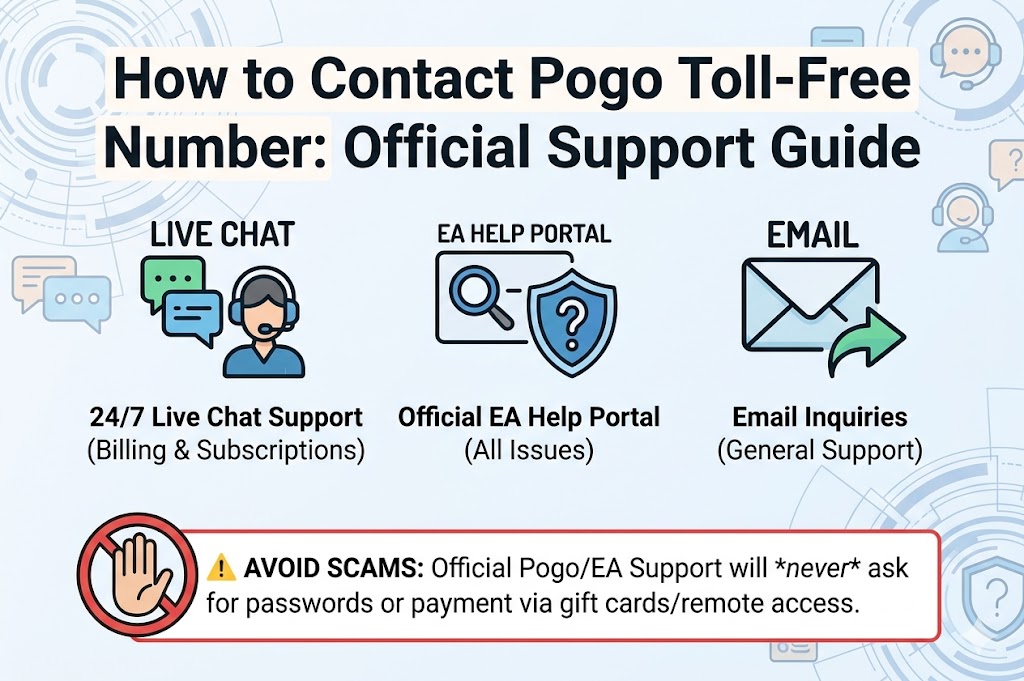
If automated tools fail, your last resort is to contact human support agents directly:
- For Pogo Games assistance, file a ticket through EA Help.
- For Pokémon GO support, visit the Niantic Help Center or tap the “Contact Us” bubble in the top right corner of the app’s login screen.